
Axiom
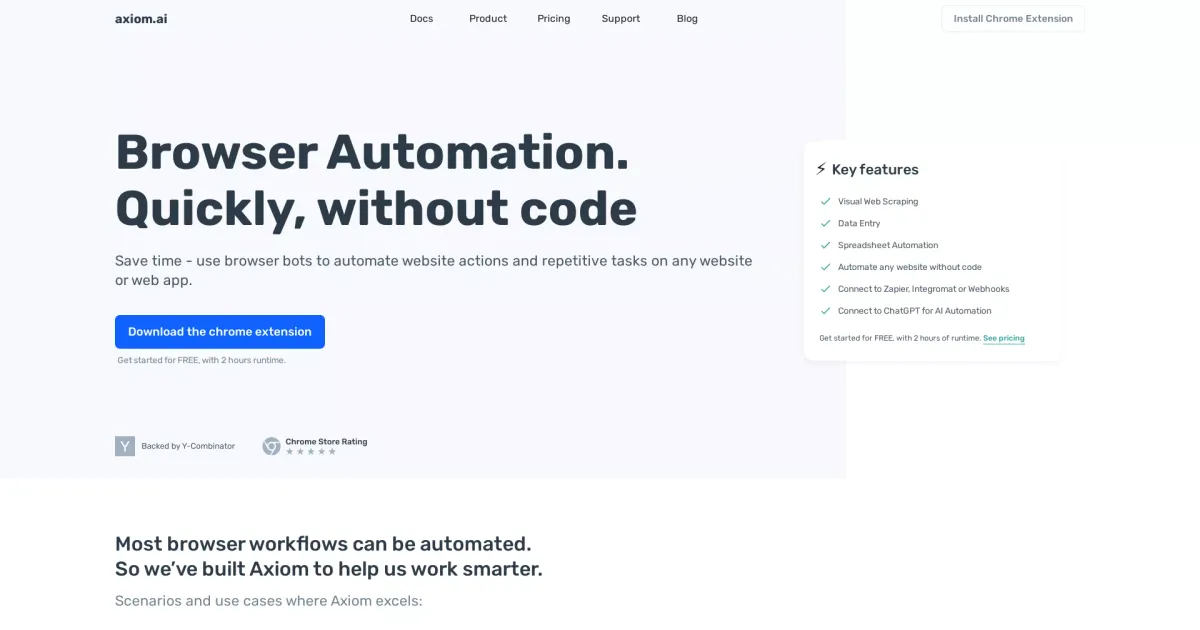
Axiom is a no-code Chrome extension that enables users to automate browser tasks, web scraping, data entry, and workflow automation without coding. It's designed to help individuals and businesses save time and increase efficiency by automating repetitive online activities.
What problem does Axiom solve?
Axiom provides browser automation without code, helping you save time by automating repetitive website actions on any site or web app. It enables no-code users—designers, marketers, creators, operators—to build browser bots for data collection, data entry, and spreadsheet automation, with integrations to Zapier, Integromat (Make) or Webhooks, and AI automation via ChatGPT.
How easy is it to learn and use Axiom?
Axiom is built for no-code users. It’s a Chrome extension with a no-code builder, templates, and a UI for automating clicks and typing on any website. You can run bots on a schedule or trigger them from Zapier, and all bots run locally in your browser on your computer. No credit card is required to start.
What are the pricing plans for Axiom?
You can get started for free, with two hours of runtime. No credit card is required to begin. For full pricing details, see the pricing page.
How do integrations work with Axiom for no-code automation?
Axiom supports connecting to:
- Zapier, Integromat/Make, or Webhooks
- Google Sheets
- ChatGPT
- 2Captcha
- Microsoft Excel
- Puppeteer
These enable extending no-code automations beyond the built-in builder.
What are common no-code use cases for Axiom?
- Data collection and analysis
- Data extraction with GPT and data entry
- Browser process automation
- Web scraping
- Data entry workflows
- Social media and startup workflows
How does the ChatGPT integration work in Axiom?
Axiom can connect to ChatGPT for AI automation and can deploy ChatGPT to parse through scraped data as part of your automation flows.
Is my data processed locally, and how does privacy work with Axiom?
All your bots live on your computer and process data in your web browser. Axiom stores the steps of your bot and performance data, but does not store the results of your automations on its systems. This supports a no-cloud-no-code workflow for sensitive data.
How do I get started with Axiom?
- Install the Axiom Chrome extension and pin it to your Chrome toolbar
- Get started for free with 2 hours of runtime (no credit card required)
- Build custom bots or use templates
- Automate with the UI (clicking, typing) and run, schedule, or trigger from Zapier