
Slido
Interactive polling and Q&A platform for meetings and events
What is Slido?
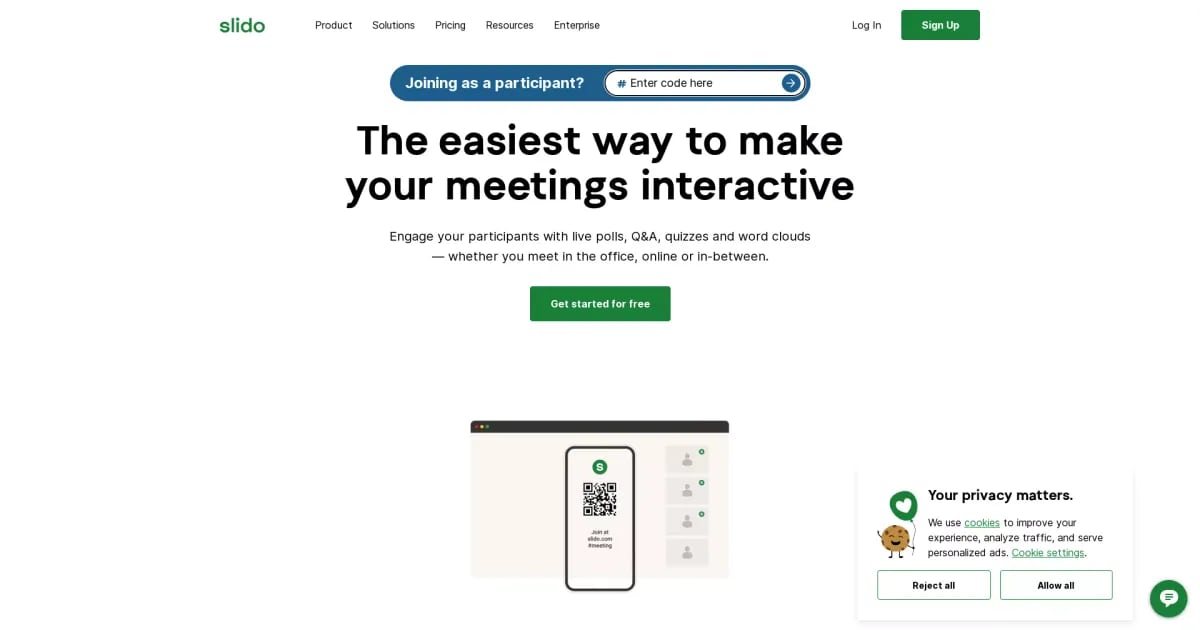
Try SlidoSlido is an interactive polling and Q&A platform for meetings and events, helping audiences contribute in real time. Use it to crowdsource questions, run live polls and quizzes, and collect surveys during or after your session. Slido AI helps you prepare engagement faster by generating and refining poll content using your goals, slides, and meeting context.
What does Slido help you do in a meeting or event?
Slido helps you engage an audience with real-time speaker Q&A, live polls and quizzes, and surveys. Participants can submit questions, and you can also collect feedback during or after your session using interactive formats.
How does Slido AI help you create polls faster?
Slido AI can generate polls from a prompt by using your meeting goal, audience size, and use case to suggest tailored polling ideas in seconds. It can also generate polls from your slides (PowerPoint or Google Slides) and refine poll wording in Host mode, including rephrasing questions and suggesting answer options.
Can Slido AI generate quizzes from my slides?
Yes. In Slido for PowerPoint and Google Slides, you can use an AI Quiz flow to build a quiz in just a few clicks by entering your topic or choosing a suggested one, then generating questions and selecting which ones to include.
Is Slido easy to set up and use for organizers (no-code)?
Slido is built for meeting and event organizers to run interactive engagement without advanced technical setup. With AI features available in Host mode and participant tools for improving question wording, teams can prepare and run interactive sessions with minimal friction.
What AI tools can participants use in Slido?
Slido provides a “Question AI” option for participants to help them ask clearer questions with more confidence. AI can suggest improvements to wording, length, and tone before they send their question.
How do Slido AI settings and security work for organizations?
Slido AI is built with enterprise security in mind, with the goal of keeping data safe, private, and handled with care. License owners and admins can access AI settings in all paid Slido plans and enable or disable specific AI features via organization settings.