
Softr
Build custom apps and portals quickly with no code and AI.
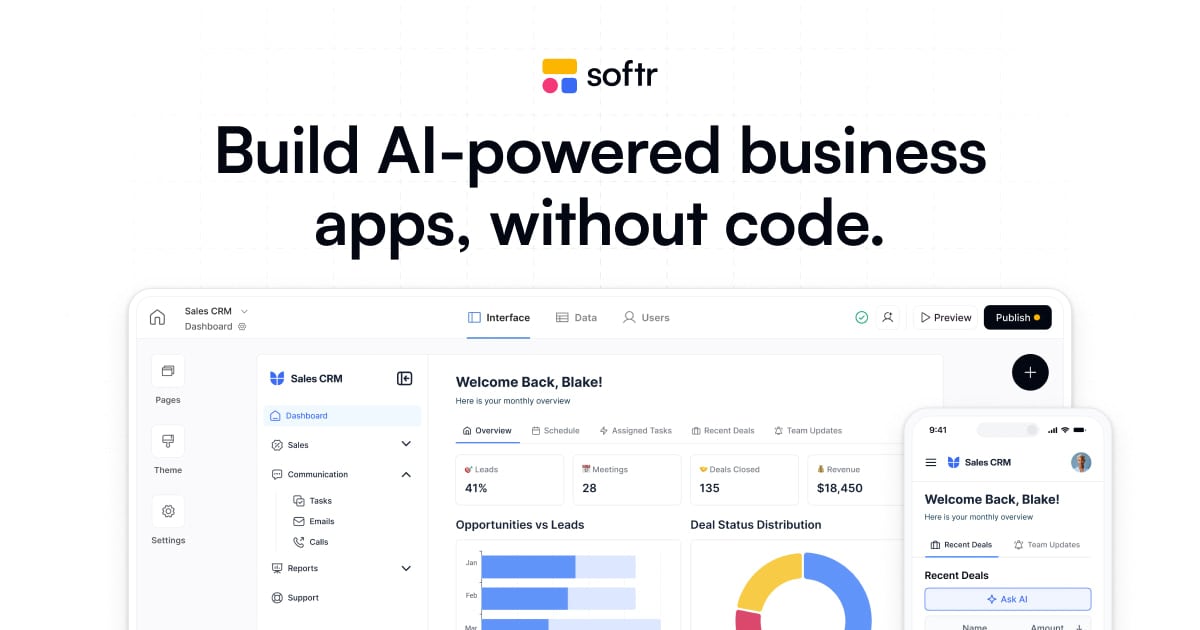
What is Softr?
Try SoftrSoftr Workflows helps you automate business processes inside Softr using a visual workflow builder and built-in AI agents. You can trigger automations when app users take actions, when records change in Softr Databases, or from events in connected tools. The result is end-to-end workflows that keep your apps and data in sync without relying on third-party automation tools.
What can Softr Workflows automate for my apps and databases?
You can automate everything from simple tasks to multi-step workflows for your Softr apps and Softr Databases, such as sending notifications, running conditional logic, updating records, and triggering actions when users click in the app. Workflows can also include end-to-end steps that start from new records or record updates and then continue through your connected tools.
Is Softr Workflows no-code, and is it easy to set up?
Softr Workflows is built to be set up natively inside Softr, using a visual workflow builder and built-in tools for connecting data sources and actions. You can use conditions, filters, branching, loops, and wait steps without needing to stitch together multiple third-party platforms.
How do I connect Softr Workflows to my existing tools and data?
You can connect Softr Workflows to your stack using built-in automations that link Softr apps, Softr Databases, and other tools, plus third-party integrations. For systems outside Softr, you can use REST API calls and webhooks to send or retrieve data and trigger workflows in real time.
Can I use AI agents inside workflows?
Yes. Softr Workflows lets you deploy AI agents within your workflows so you can automate logic-based steps and tasks that would otherwise require manual input. Built-in AI capabilities can help summarize and tag data, analyze PDFs, search websites, and enrich data, and you can choose an AI model through Softr’s LLM integrations or by using your own API key.
When can workflows run—only on database changes, or also from user actions?
Workflows can run when there’s a change in your database, when records are created or updated, or when users take action inside your Softr app (for example, clicking an action button). You can also schedule workflows to run at times you choose and use wait actions to control timing between steps.
What kinds of workflow logic are supported, like conditions and branching?
You can add conditions and filters to avoid wasted runs, branch workflows to route users or display different messages based on what’s true, and use looping to run the same actions across items or record sets. After a trigger, you can also update, add, delete, or find records in Softr Databases to complete the automation loop.