
Webscraper.io
No-code browser extension for web data extraction and automation
What is Webscraper.io?
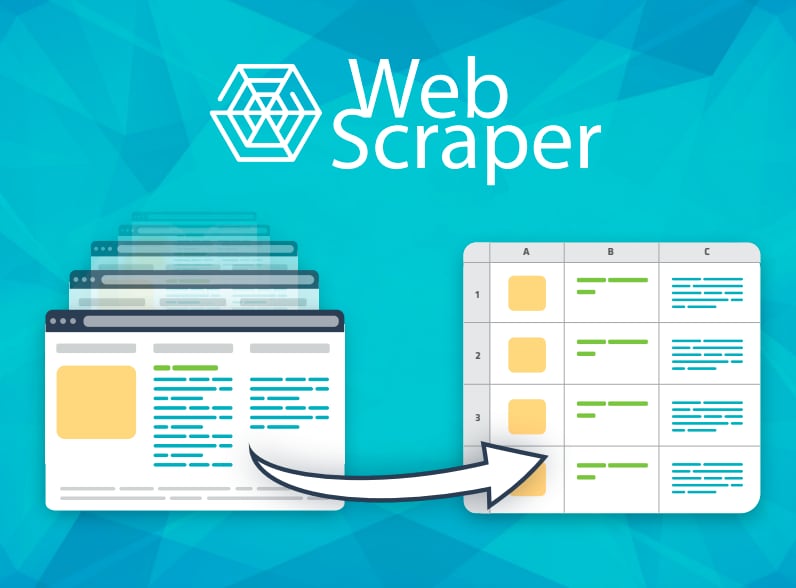
Try Webscraper.ioWebscraper.io helps you extract data from websites and automate repeated scraping using a browser extension and Web Scraper Cloud. You define what to capture in the extension, then run scraping jobs in the cloud with options for scheduling and delivering results. Outputs can be exported or sent to other systems via API and webhooks, and you can also start from prebuilt marketplace sitemaps and customize them. The platform includes an AI-assisted Sitemap Wizard to help generate extraction selectors.
What does Webscraper.io do for web data extraction?
You use the browser extension to define what data to extract from a website, then run it as a scraping job in Web Scraper Cloud. After the job finishes, you can access results through API and webhooks and export the data to use in other workflows.
Is Webscraper.io no-code for building scraping setups?
Yes. Webscraper.io is designed to help you create scraping setups without writing code, using selection tools and guided steps in the extension. You may need some time to learn how to structure a scraping setup, but it’s intended to be beginner-friendly.
How do I schedule scraping runs and deliver the results?
Web Scraper Cloud includes scheduling for recurring runs (for example, hourly, daily, or weekly). It also supports delivering results via API and webhooks and exporting to formats such as CSV, JSON, and XLSX.
Can I start from a prebuilt sitemap instead of creating one from scratch?
Yes. The Marketplace offers ready-made sitemaps organized by categories like e-commerce, business listings, real estate, jobs, and travel, which you can start with and customize for your needs.
How does the AI Sitemap Wizard generate selectors for scraping?
The Sitemap Wizard can generate extraction selectors by sending the HTML from your active tab to Web Scraper for AI analysis, then generating the selectors for your sitemap. The HTML is discarded immediately after the AI step.
Can Web Scraper Cloud handle pages that load content with JavaScript?
Web Scraper Cloud is intended to support dynamic pages by waiting for page behavior during scraping, which helps capture content that loads after navigation.