
Teachable
Build and sell online courses easily, with automation and integrations.
What is Teachable?
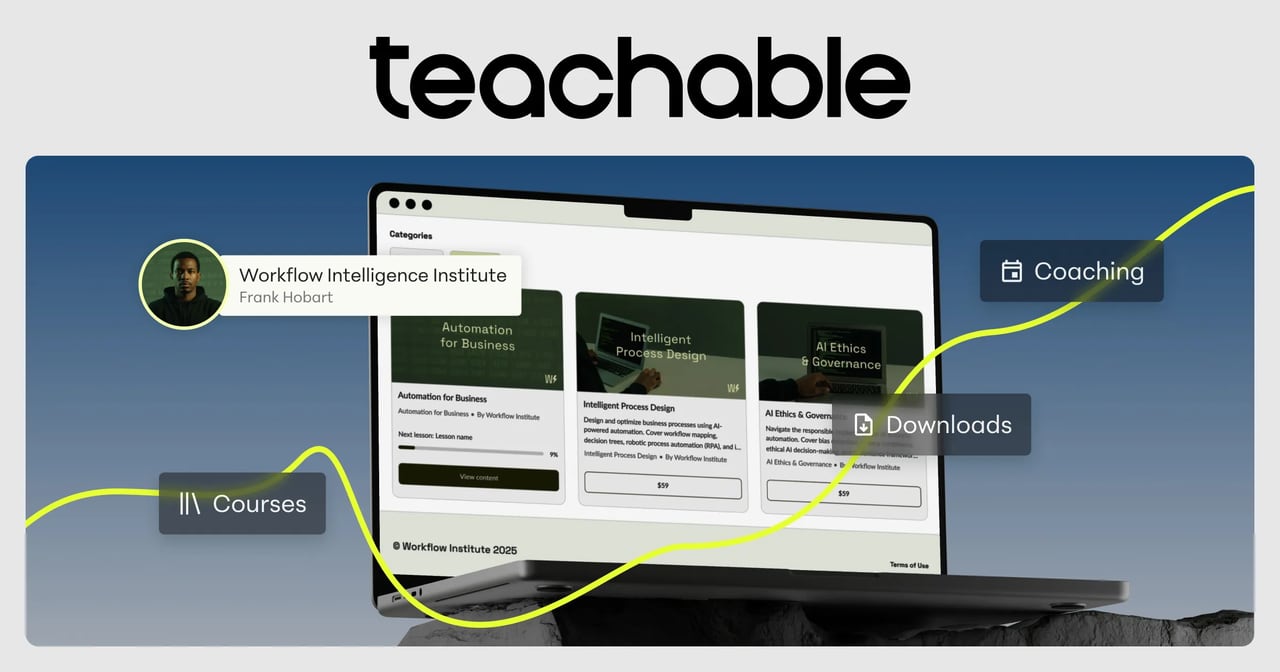
Try TeachableTeachable is a training platform for enterprises and teams to create, manage, and deliver modern workforce learning across their organization. It’s positioned as simple to build and easy to manage, with no-code course creation supported by AI tools for faster creation. Teachable also emphasizes learner visibility and outcome tracking with features like cohort leaderboards, plus enterprise-grade security and privacy compliance.
What does Teachable do for employee training and workforce learning?
Teachable helps you onboard, train, and develop your workforce by letting managers and founders publish engaging, multi-module learning programs. It supports tracking progress at scale and is designed for use cases like onboarding journeys and leadership development programs, including scenarios that extend beyond full-time employees.
Is Teachable no-code enough for managers and founders to build courses?
Yes. Teachable is built for straightforward course creation inside the platform, so managers and founders can build content directly without needing an instructional designer. If you can write a doc, you can launch a course, and many teams go live quickly.
How does Teachable support cohort progress tracking without manual follow-ups?
Teachable includes leaderboards for cohort visibility, helping admins track progress and outcomes in real time without chasing individuals manually. It also supports org structure and segmentation, so you can report on different learner groups independently.
Can Teachable connect to our existing LMS or HRIS without replacing them?
Yes. Teachable supports API integrations so it can plug into your existing LMS or HRIS, allowing you to extend your current setup rather than displacing it.
What compliance and security standards does Teachable support?
Teachable is SOC 2 audited annually, and it also highlights PCI DSS certification. It’s fully aligned with GDPR requirements and compliant with CCPA for California privacy laws, with tools to manage data rights and maintain compliance.
Does Teachable support SSO for secure access?
Yes. Teachable offers Single Sign-On (SSO) that integrates with your organization’s Identity Provider (IdP), so users can log in once to their central system and access training securely.