
Retool
Build custom internal apps quickly with data and AI integration.
What is Retool?
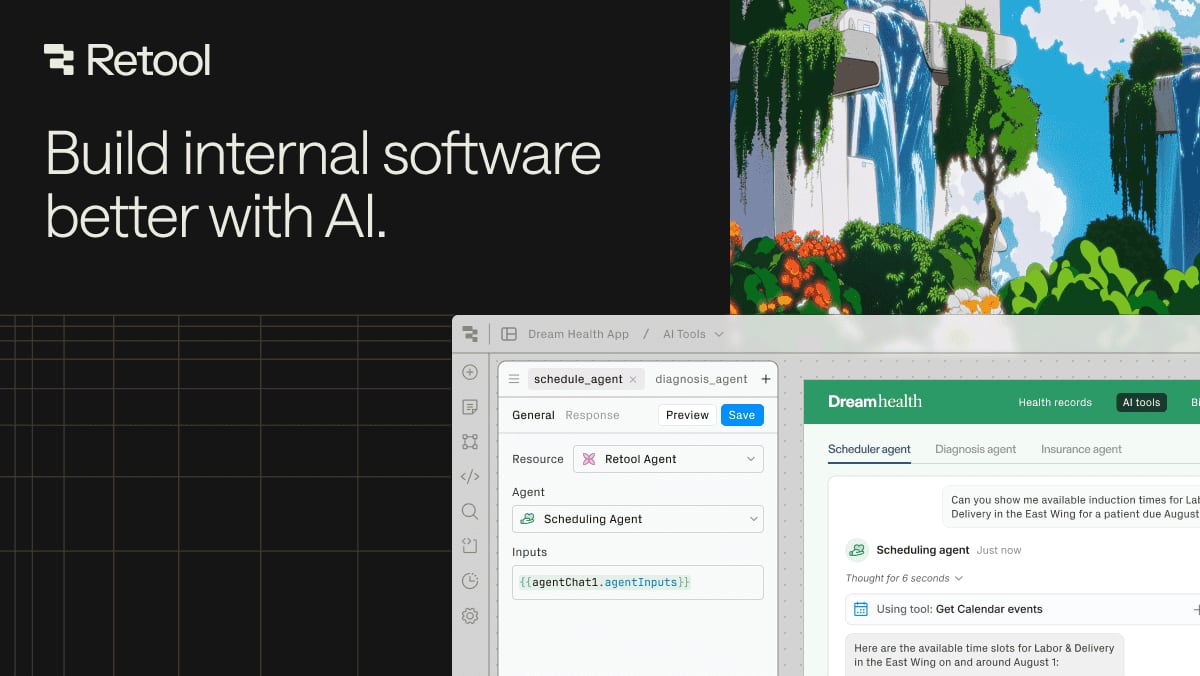
Try RetoolRetool helps teams build internal apps and production automations that connect to their existing data and services. With AppGen, you can generate apps built for business on your data in the cloud with secure-by-default behavior, then refine them through prompt-based iterations. Retool Workflows lets you design governed automations with triggers, connectors, and code or AI-assisted logic, and deploy to production in one governed platform.
What can Retool help you build?
Retool helps you build internal apps and operational tools that run on your data and connect to your services. It also supports creating production-ready workflow automations, so you can replace ad hoc scripts with governed processes for alerts, notifications, APIs, ETL, and more.
How does Retool Workflows work for creating production automations?
You start by choosing a trigger such as a cron schedule, API call, or webhook, then connect data using built-in connectors for databases and services or any REST, GraphQL, or gRPC API. You write logic in code or use built-in patterns for filtering, branching, and looping, and then deploy to production in one click with durable execution and execution logs for auditability.
Is Retool low-code, or do I need to write code?
Retool is designed to be low-code while still supporting deep customization. With Workflows you can define process logic using code (Python or JS) or structured blocks, and you can also integrate AI assistance to generate, write, edit, and debug automation logic on the canvas.
Can Retool connect to my existing databases and APIs?
Yes. Retool Workflows can query data using dozens of built-in connectors and supports anything with REST, GraphQL, or gRPC APIs, including third-party services. It also supports scenarios like tunneling into a VPC or handling custom authentication methods so you can connect what you already have.
How does Retool support AI-assisted automation?
Retool Workflows includes AI assistance to help you build and debug faster, including generating production-ready automations from prompts and using generative AI blocks. It can connect natively to OpenAI, Anthropic, Azure, and Amazon Bedrock without separate governance setup required.
What security and deployment options does Retool offer for workflows?
Retool Workflows is secure by default with audit logs, RBAC, secrets management, Git-based source control, and multiple environments. You can also self-host within your own VPC to keep data in your network and meet compliance requirements, while still getting durable execution and long-running job support.