
Mapbox Studio
Custom interactive map design and integration made easy.
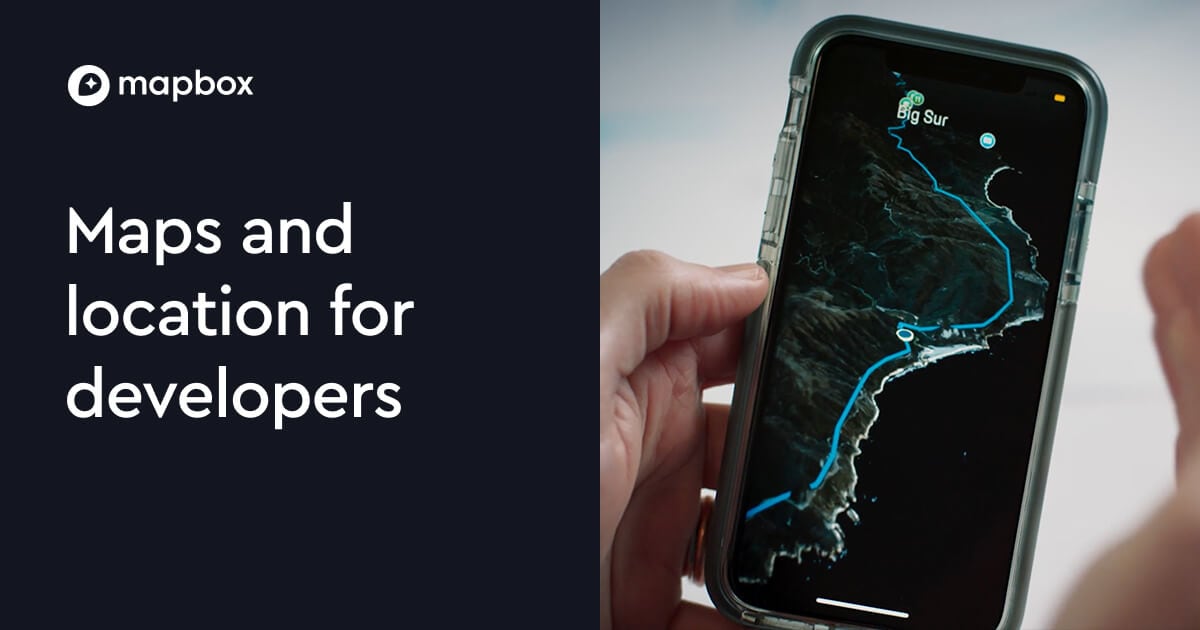
What is Mapbox Studio?
Try Mapbox StudioMapbox Studio helps you design and customize interactive map styles, so your maps look and behave the way you want for a specific brand or experience. Build with in-tool previewing, then use your style in mobile and travel use cases. If you’ll be offline or in areas with limited connectivity, you can pair Studio-style maps with offline map support so users can keep exploring.
What does Mapbox Studio do?
Mapbox Studio lets you create custom interactive map styles that control both the look and the behavior of your map. You can preview your style before using it in an app or other location experience.
Can I customize map styles in Mapbox Studio without hand-coding?
Yes. Mapbox Studio is built to help you shape the look and feel through the Studio interface, with previewing so you can iterate without writing map style code.
How can Studio-style maps work when internet coverage is limited?
Mapbox supports taking maps offline, which helps users continue exploring even with limited connectivity. You can pair Studio-style customization with offline map downloads for travel and destination experiences.
How do I preview and explore a style while I’m building?
You can preview your map style inside Studio as you make changes. There’s also a style gallery with curated examples to help you explore different design directions.
What destination-focused elements can I highlight in Mapbox Studio?
You can design destination-focused map experiences, including custom markers and points of interest, so travelers can discover and explore places visually.