
ChatBot
Visual AI chatbot builder for customer support & engagement
What is ChatBot?
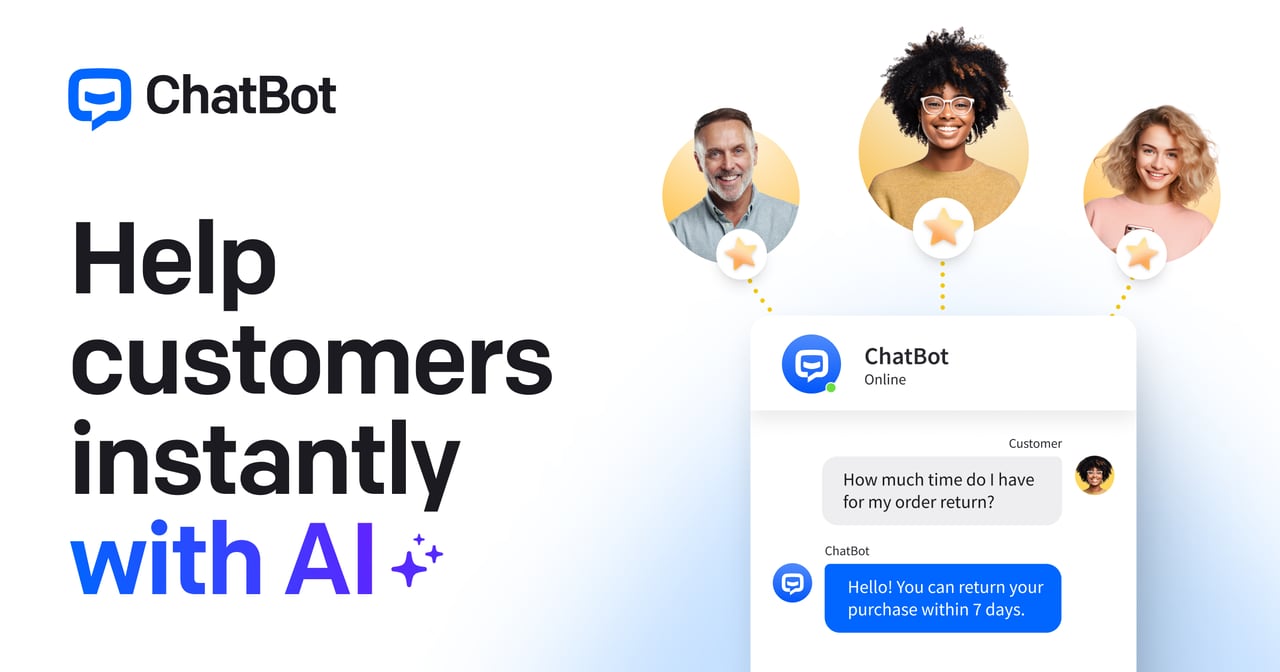
Try ChatBotChatBot is an AI chatbot platform for retail that answers product questions, automates order tracking, and delivers personalized recommendations around the clock. It helps retail teams save time by resolving common inquiries via natural language, while also supporting proactive campaigns like welcoming new customers, capturing leads, and promoting new arrivals. With training on your product catalog, inventory, promotions, and guided AI rules, it’s designed to drive more sales and improve customer experience.
What can ChatBot do for a retail store, like product questions and order tracking?
ChatBot handles customer inquiries 24/7, including order status and order tracking, product availability, return policy questions, and general product questions. It uses natural language to provide instant answers and recommends the right item at the right moment so conversations can move toward purchase.
Can I use ChatBot without technical skills to build and launch a retail chatbot?
You can train and configure the AI agent for your retail store and get it live quickly, without disrupting your existing stack. ChatBot is built to go live in hours and lets you define how the agent speaks and what it won’t touch with personalized AI guidelines.
How does ChatBot get accurate answers from my catalog, inventory, and promotions?
ChatBot is trained on your products, inventory data, and active promotions so customers receive accurate information about availability, store hours, and pricing. You also build a knowledge hub and can set up language coverage for serving international customers.
What channels can shoppers use to chat with my retail business?
ChatBot connects to multiple channels including your website plus messaging options like Mail, SMS, WhatsApp, and Messenger. This helps you reach shoppers through the channels they already use.
Can ChatBot personalize outreach and improve conversions beyond support?
Yes. ChatBot supports personalized product suggestions based on purchase history, and you can run campaigns to proactively connect with shoppers—such as welcoming new customers, offering personalized promotions, capturing leads, and announcing new arrivals.
What analytics and reporting does ChatBot provide to measure performance?
ChatBot includes reports that track order tracking query volumes, the most popular product inquiries, customer satisfaction scores, and resolution rates. It also surfaces which retail touchpoints drive the most value so you can optimize where customers engage and where they disengage.