
Candu
No-code in-app experiences builder for SaaS onboarding and engagement
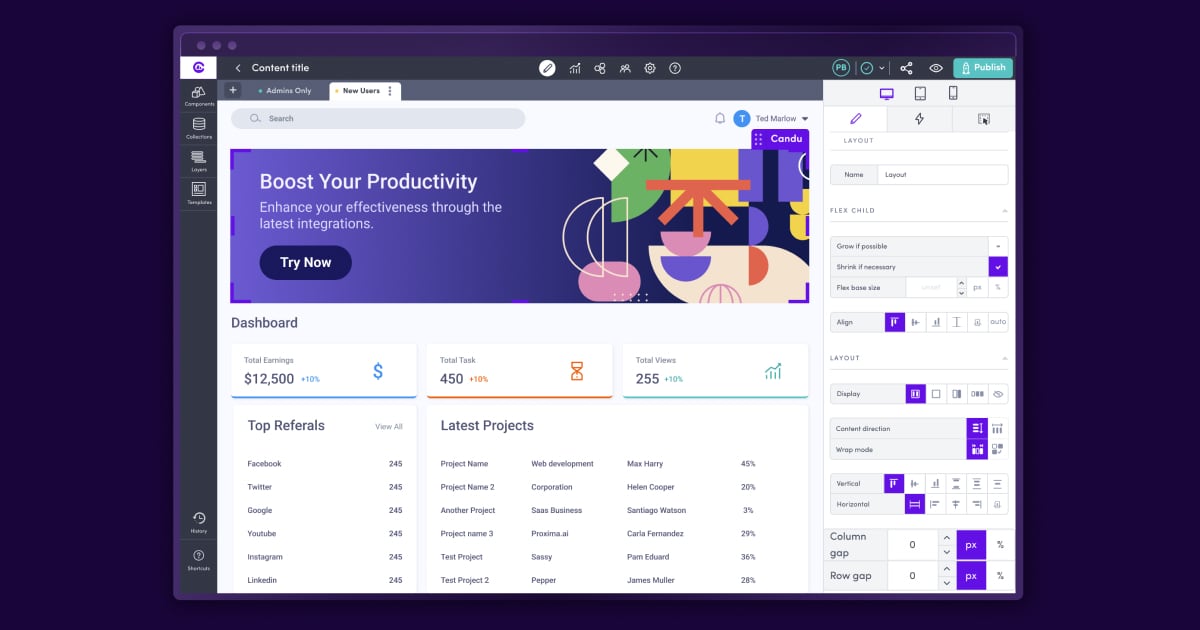
What is Candu?
Try CanduCandu helps you build and launch in-app experiences that capture attention at exactly the right moments. With interruptive modals, you can guide onboarding, promote new features, and deliver contextual help (like tips, guides, or how-to videos) without pulling users away from your product. You can also use Candu to drive conversions with upgrade prompts or paywalls as part of your product-led journey.
What can Candu help you create inside your app?
Candu is for creating interruptive in-app modals that boost engagement and adoption. You can use them to promote new features, run upgrade prompts or paywalls, and deliver contextual learning with interactive guidance like how-to videos, guides, and helpful tips.
How no-code is Candu for launching modals?
Candu is no-code, so you can drive results fast without developers. You can launch new modals in just a few clicks by choosing which pages to show content on and how often the modals appear to your users.
How do you control when and where a modal shows up?
You can display a modal on page load, pick specific pages or show it across all pages, and set how often it appears. Candu also supports dismissible CTAs and triggering from Candu CTAs, plus hiding modals once they’re dismissed.
Can users dismiss modals and can you reuse content across pages?
Yes. Modals can include dismissible CTAs, and you can hide them once dismissed so users aren’t stuck with repeated interruptions. You can also support dynamic URLs so modals can be shown based on page context.
Does Candu make it easier to get started with templates?
Yes. Candu offers 100+ templates so you can get started quickly using best-in-class starting points.
How can you use Candu modals to encourage upgrades?
Candu supports conversion use cases like implementing paywalls or upgrade prompts throughout your product-led journey, helping motivate users to make purchasing decisions while they’re engaged in the experience.