
Beamly
All-in-one no-code platform to create, publish, and monetize content
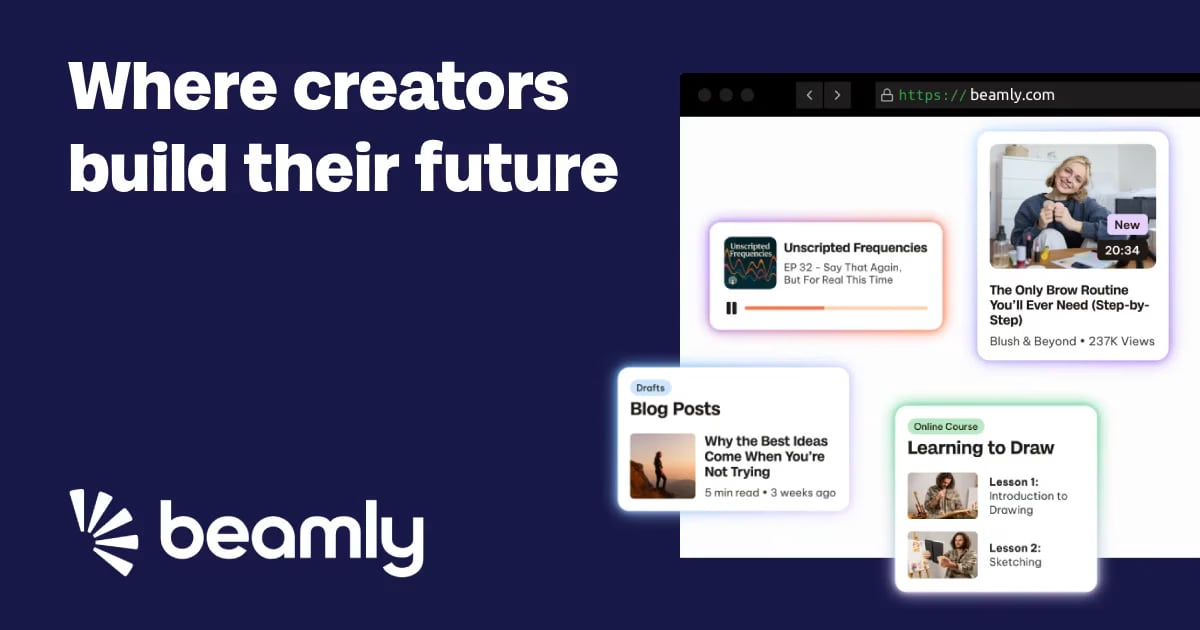
What is Beamly?
Try BeamlyBeamly is an all-in-one no-code platform for podcast hosting that helps you upload audio and video episodes, publish on a schedule, and distribute your show to major podcast directories. It also provides a built-in podcast website experience, private feeds for premium audiences, and AI-generated transcripts to make episodes easier to share and discover. You can monetize your podcast with memberships, subscriptions, paywalls, or one-off purchases—without platform fees.
What does Beamly help you do for a podcast?
Beamly lets you host and manage unlimited audio or video episodes, generate transcripts, automate your podcast website, and track performance with built-in podcast analytics. It also supports distribution to podcast directories while giving you tools to grow and monetize your show from one dashboard.
Can I upload video podcasts, or is Beamly audio-only?
Beamly supports both audio and video podcasts. You can upload unlimited audio or video episodes and manage everything from a single dashboard.
How does Beamly support private or paid podcasts?
Beamly lets you create member-only, private feeds for premium subscribers or internal audiences. You can also monetize with memberships, subscriptions, paywalls, or one-off purchases for bonus content.
Does Beamly generate transcripts and show notes automatically?
Yes. Beamly automatically turns every episode into text using AI-generated transcripts, helping improve accessibility and shareability while saving you time.
Will my podcast automatically get a website and sync with new episodes?
Yes. Every podcast comes with a professional, branded website that syncs automatically with new episodes, so your audience can see updates in one place. You can customize the design and branding within that experience.
Is there a free trial, and how quickly can I get started?
Beamly offers a 14-day free trial with no credit card required. The site also notes a 30-second setup and that you can get started in minutes—upload or import your show, publish episodes, distribute everywhere, and then grow your brand.