
Unbounce
Create, test, and optimize high-converting landing pages easily
What is Unbounce?
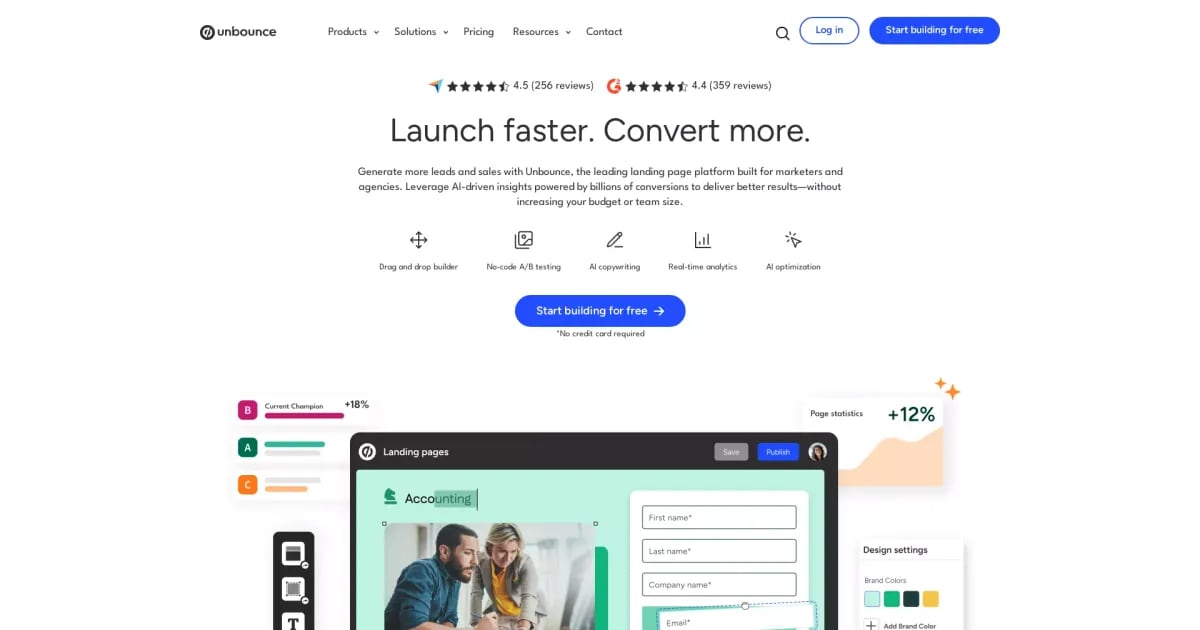
Try UnbounceUnbounce is a landing page builder that helps marketers create personalized landing pages, popups, and sticky bars without needing a designer or developer. It brings building, testing, and optimization into one platform, so you can launch faster and improve conversions over time. With AI optimization and no-code A/B testing, you can iterate on what works for your campaigns.
What can you build and launch with Unbounce?
Unbounce helps you create high-converting landing pages, plus popups and sticky bars. You can build quickly using drag-and-drop elements, customizable templates, and custom scripts when you need more advanced control.
Is Unbounce no-code for marketers, and can you run A/B tests without developers?
Yes. Unbounce is built so marketers can create pages without a designer or developer, using a drag-and-drop builder. It also includes a no-code A/B testing tool so you can create variants, run tests, and own the experiment process end to end.
How do templates and drag-and-drop customization help you build landing pages faster?
Unbounce includes 100+ professionally designed templates that you can customize for each campaign and brand. You can keep it simple with drag-and-drop elements, or add technical customizations with custom scripts when needed.
How does Smart Traffic AI optimize conversions?
Smart Traffic (AI optimization) sends visitors to the page variant best suited to them, based on signals like device type, location, and timezone. This helps you personalize the experience and improve conversion performance over time.
Can Unbounce personalize landing page copy based on what visitors searched for?
Yes. Unbounce supports dynamic text replacement so your landing page copy can match visitors’ search terms and needs, which can help increase the chance of conversion.
What learning curve should no-code teams expect when using Unbounce?
Unbounce is designed to let marketers launch campaigns quickly “in a few clicks,” using drag-and-drop building plus customizable templates. It also provides tools to build, test, and optimize in one platform so you can iterate without needing extra help.